SIMUGAL · ENDURANCE RACING GUIDE
How to prepare for a sim racing endurance race: team, fuel and driver stints
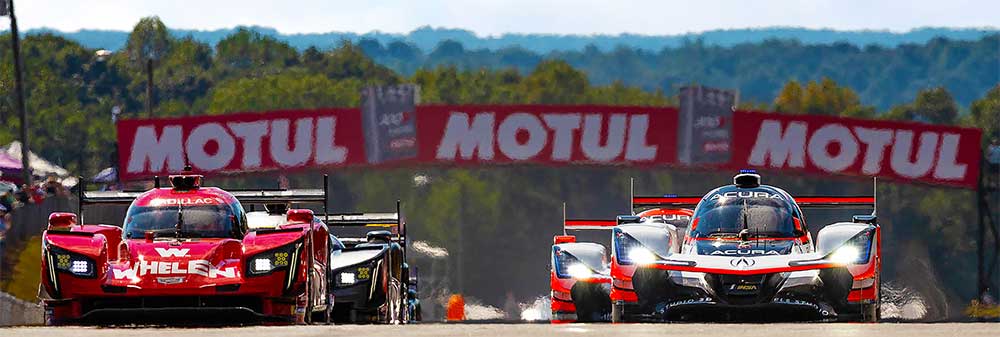
An endurance race starts long before the green flag. This guide covers what your team needs to prepare: registration, fuel tests, driver order, pit stops and a plan for dealing with incidents.
Open the SimuGal endurance race planner · Check the special events guide (Spanish)
1. Confirm the event and registration
Check the event edition, exact session, circuit and layout, eligible car and entry requirements. Distinguish the real-world start time from the simulated time at the circuit. For iRacing, check the official calendar and the event announcement on the forum.
Before registering, check the current rules on teams, declared drivers, minimum participation, licences, penalties and driving limits. Do not assume that the conditions from another race apply. The SimuGal calendar lists dates; this guide explains how to prepare.
2. Organise your drivers and roles
- Agree who will register the team and who will start the race.
- Record availability, breaks and whether each driver will complete one, two or three consecutive stints.
- Assign responsibility for driver-change reminders and for monitoring fuel and traffic.
- Share the stint sheet. Each driver should use their own personal access.
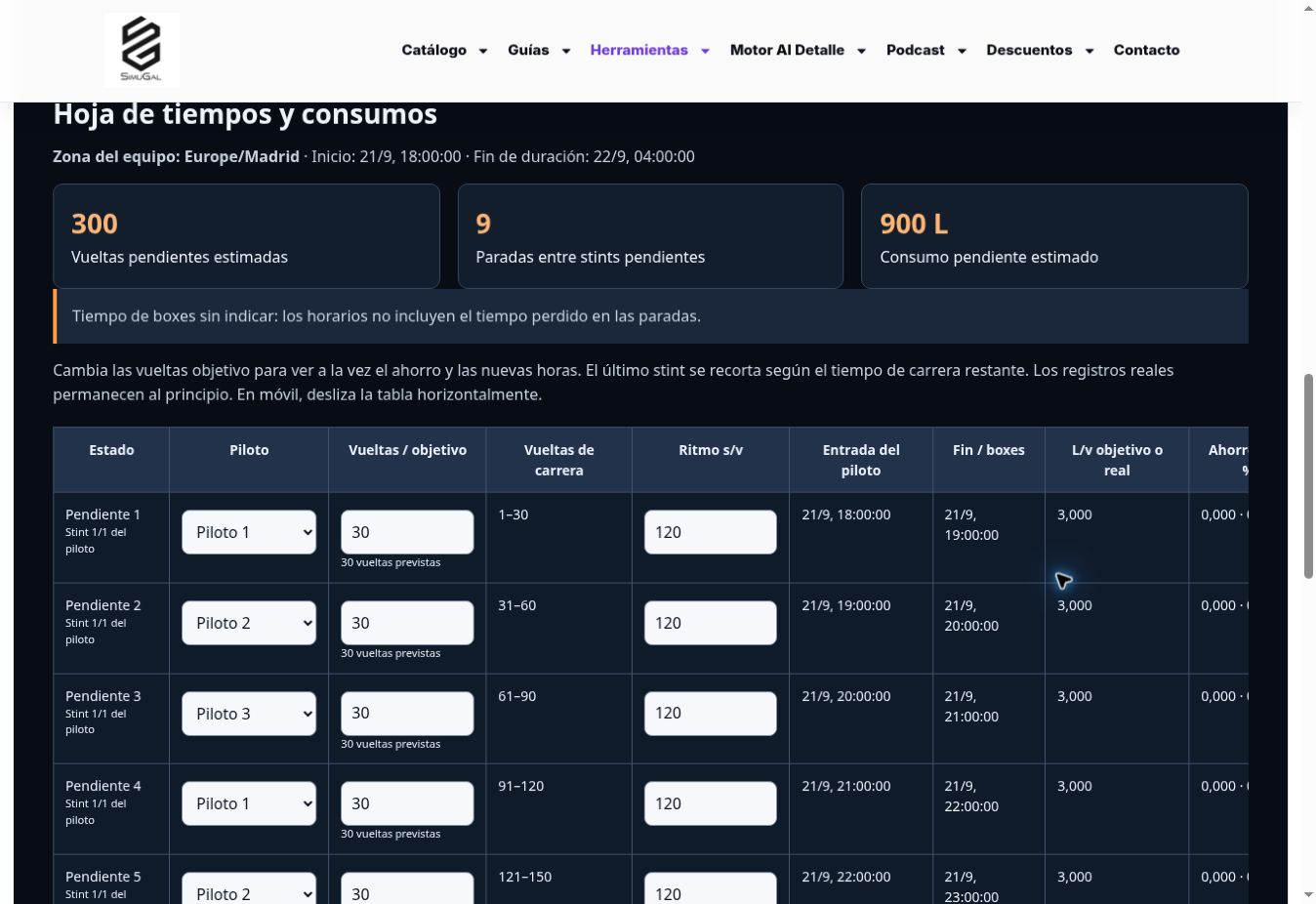
In the planner, the first name starts the driving order. An approximate start time helps predict driver changes; actual stint records adjust the forecast during the race. The stopwatch is independent and can be corrected if started late.
3. Measure pace and fuel use in a practice run
Test with the car, setup, fuel load and conditions you expect to use. Record a sustainable pace and the maximum fuel use per lap you will use as your reference, as well as the fuel used on the formation lap. Do not base the strategy solely on a qualifying lap or on fuel consumption achieved through extreme saving.
The planner does not subtract an arbitrary fuel reserve: it uses the data you enter. A mathematical target still requires suitable driving and conditions; check actual consumption before extending a stint.
4. Practise pit stops and driver changes
Practise pit entry, the speed limiter, stopping on the marks, selecting services, changing drivers and pit exit. Measure the total time lost compared with staying on track. Entering it in the plan improves the predicted schedule.
When splitting fuel across the final two or three stints, distinguish the litres to add from the fuel already in the tank. For example, 160 L still to be added can be split into 80 + 80 L if each fill fits in the tank and covers the required laps. The initial 76 L reference for a driver change is a team-specific setting: test how the refuelling and driver-change times overlap with your car and pit service.
5. Record what happens during the race
At the end of a stint, record the driver, completed laps, time and measured fuel. If the simulator shows the current lap and changes from 42 to 43 as you cross the line, you have completed 42 laps. Use the same reference moment for the lap count and time; do not include the formation lap.
If a record is wrong, edit it. After repairs or a restart, record the actual time, completed laps and fuel available to reorganise the remaining race. The race window shows the current driver, next driver change and fuel target; it requires manual input and does not receive telemetry.
Pre-race checklist
- Correct session and registration, with all planned drivers.
- Shared setup, controls and communications tested.
- Pace, fuel consumption and formation-lap fuel measured.
- Driver order and reminders shared.
- Pit entry and driver changes practised.
- A copy of the strategy and an agreed approach to incidents.
A SimuGal preparation guide. Examples are illustrative; each event’s organiser sets its conditions and rules.